Get support from your GP
For the fastest, most convenient way to access our GP services.

For the fastest, most convenient way to access our GP services.

Online Services – faster, easier access to your GP practice
To provide you with an upgraded experience for requesting help from the practice and taking control of your health, Dr.iQ is now powered by Evergreen. This means you can now access your GP services and request help from the practice via the Evergreen Life app.
What is Dr.iQ, powered by Evergreen?
The new app brings all your health information, GP records and services into one place.
With the Evergreen Life app, you can:
Please make sure that you only use the links or QR codes on this page to download the Evergreen Life app if you are registered at E16 Health.
How do I access the app?

If you’re unable to download the app or don’t want to use online services, please contact the practice directly by phone to make a request.
Getting started on the Evergreen app
Why use the app?
Do you have a joint or muscle problem?
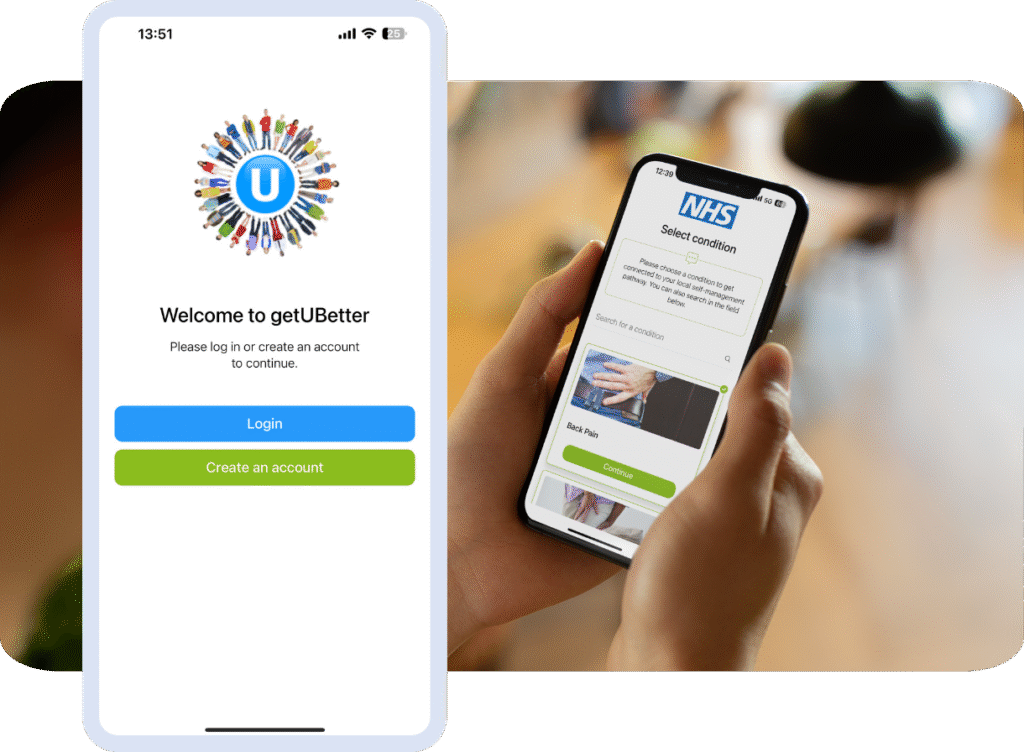
Please use the FREE getUBetter app designed and written by your local clinicians in NEL. It offers local tips, advice, and exercises tailored to you and your stage of recovery.
• Instant access
• Easy to use
• Safe and effective
Your healthcare professionals cannot be with you 24/7, but getUBetter can.
Why is self-care important?
Most musculoskeletal (MSK) injuries and conditions can be treated at home and get better without the need for a specialist appointment. getUBetter gives you the knowledge, skills, and confidence you need to improve your MSK health and lifestyle.
What is getUBetter?
getUBetter is a safe and effective way to help you self-manage your injury or condition at home, work, and on the move.
The app covers a range of musculoskeletal injuries and conditions…
• Back
• Back & Leg
• Neck
• Shoulder
• Elbow
• Wrist
• Hand
• Hip
• Knee
• Ankle
• Foot
• Sprains and Strains – Leg
• Upper Limb Tendinopathy
• Lower Limb Tendinopathy
…and is designed to help you trust your recovery, live and work well.
Who is getUBetter for?
Anyone 18 or over who needs help with a joint or muscle problem.
What will I get?
• Instant and 24/7 access to a personalised programme
• Easy-to-follow self-progression exercises
• Daily tips and local guidance from day one
• Advice on where to seek help when needed
• Access to local treatments and services
What are the next steps?
• Follow either this link or go directly to the app store to download the getUBetter app.
• Once the app has been downloaded, type your postcode, select your MSK service and create an account.
• Follow the instructions in the app to access your local support pathway.
• Log in and follow your programme regularly to improve your MSK health.
If you need further help getting started, watch our videos (GetUBetter get started, GetUBetter How it works) or get in touch with one of our team: contact@getubetter.com
The app is not suitable for:
• Under 18-year-olds
• People with worsening neurological symptoms like numbness, weakness, or problems
with bowel or bladder
• People diagnosed with an infection, rheumatological problems, neurological issues,
cancer, kidney, fracture, and pelvic organ pain
• People that are requiring an ongoing close medical attention
• People with very severe, worsening symptoms
• Pregnancy-related problems